Prompt Engineering with Gemini: Crafting DevFest 2025 Avatar Assets
Exploring AI-powered prompt engineering and visual asset generation using Gemini and Gemini Flash 2.5 Image for the DevFest 2025 Avatar creator.
Gemini
AI
Prompt Engineering
DevFest Avatar started with a simple problem: people wanted to show up for DevFest with a clean profile image, but applying event frames manually required design tools, time, and someone who knew their way around a graphics editor.
That was the original spark in 2019. The first version turned a manual design task into a small web utility: upload a photo, choose a frame, download the result.
Since then, the project has grown across multiple DevFest seasons. It has been rebuilt, simplified, re-skinned, tested by community members, shared across GDG circles, and extended with Gemini-powered image editing. As I explored in the 2025 prequel to this post, Prompt Engineering with Gemini: Crafting DevFest 2025 Avatar Assets, integrating generative AI into community tooling requires a delicate balance between expressiveness, speed, and reliability.
For 2026, I am rebuilding DevFest Avatar around those hard-learned lessons.
The goal is not to make the app feel bigger. The goal is to make it feel sharper, faster, more current, and more intentional—operating as a living DevFest print artifact with cloud-grade resilience.
Give it a try: goo.gle/devfest-avatar
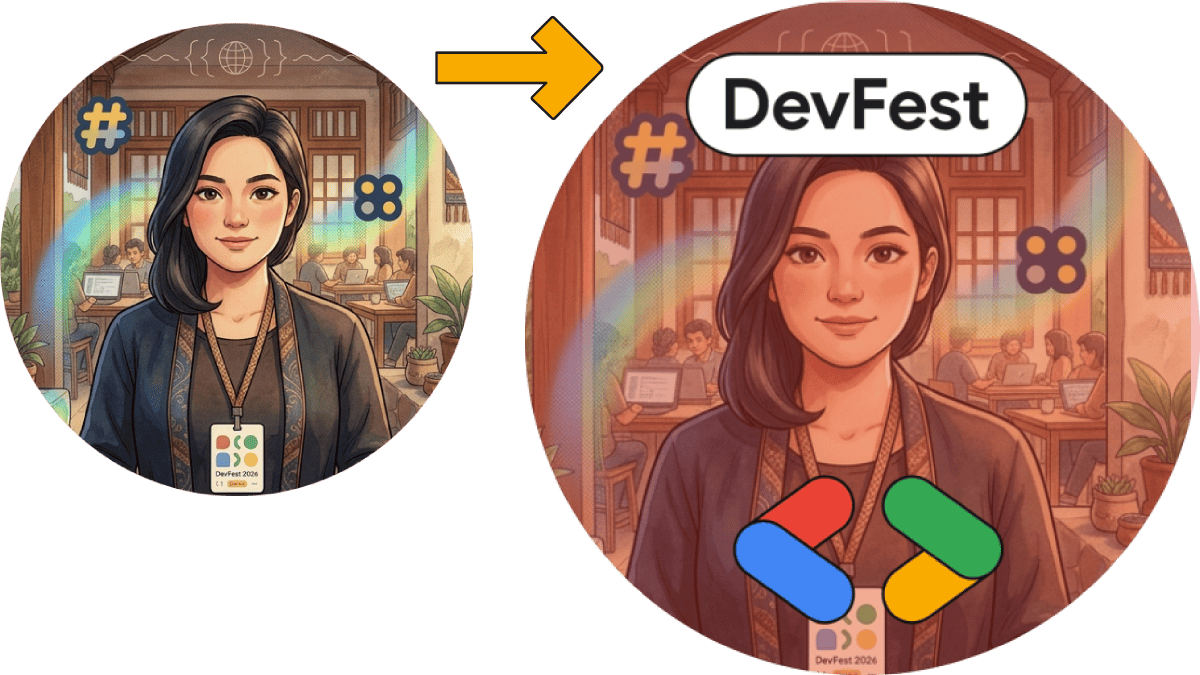
DevFest Avatar is a lightweight profile-image creator for DevFest communities. The product flow is intentionally short:
That is the main product. Everything else has to earn its place.
The app is used from phones, tablets, laptops, desktop monitors, and sometimes very modest devices. People use it in quick moments: before an event, during a campaign, inside a group chat, after seeing someone else share an avatar, or while preparing their own DevFest announcement post.
That context matters. This is not a dashboard. It is not a full design suite. It is a tiny, public-facing community tool that needs to be fast, forgiving, and visually memorable.
The 2025 campaign gave us a useful signal: people still wanted the simple avatar flow, but they were also excited by the more expressive AI path.
The tracked campaign numbers were strong:
| Metric | Count |
|---|---|
| Total Images Generated | 14,071 |
| Site Visits | 8,314 |
| Image Uploads | 5,975 |
| Gemini AI Avatar Creations | 3,351 |
The Gemini feature became one of the highlights. It allowed users to transform their uploaded photo into a stylized DevFest-themed image before applying the final frame.
But the numbers also confirmed something important: the normal crop-and-frame path still mattered. The AI path was powerful, but the product could not become dependent on it. The app needed to keep its fast browser-local flow, while making Gemini feel like an optional creative layer.
That principle shaped the 2026 rebuild.
The 2026 version focuses on four product ideas:
The phrase that guided the redesign was:
Make the site feel like a living DevFest print artifact, not a normal upload form.
That means the app borrows from the feel of event agendas, badges, signage, monoline marks, white print borders, small labels, color accents, and practical event-day materials. It should still be a tool, but it should feel like it belongs in the DevFest system.
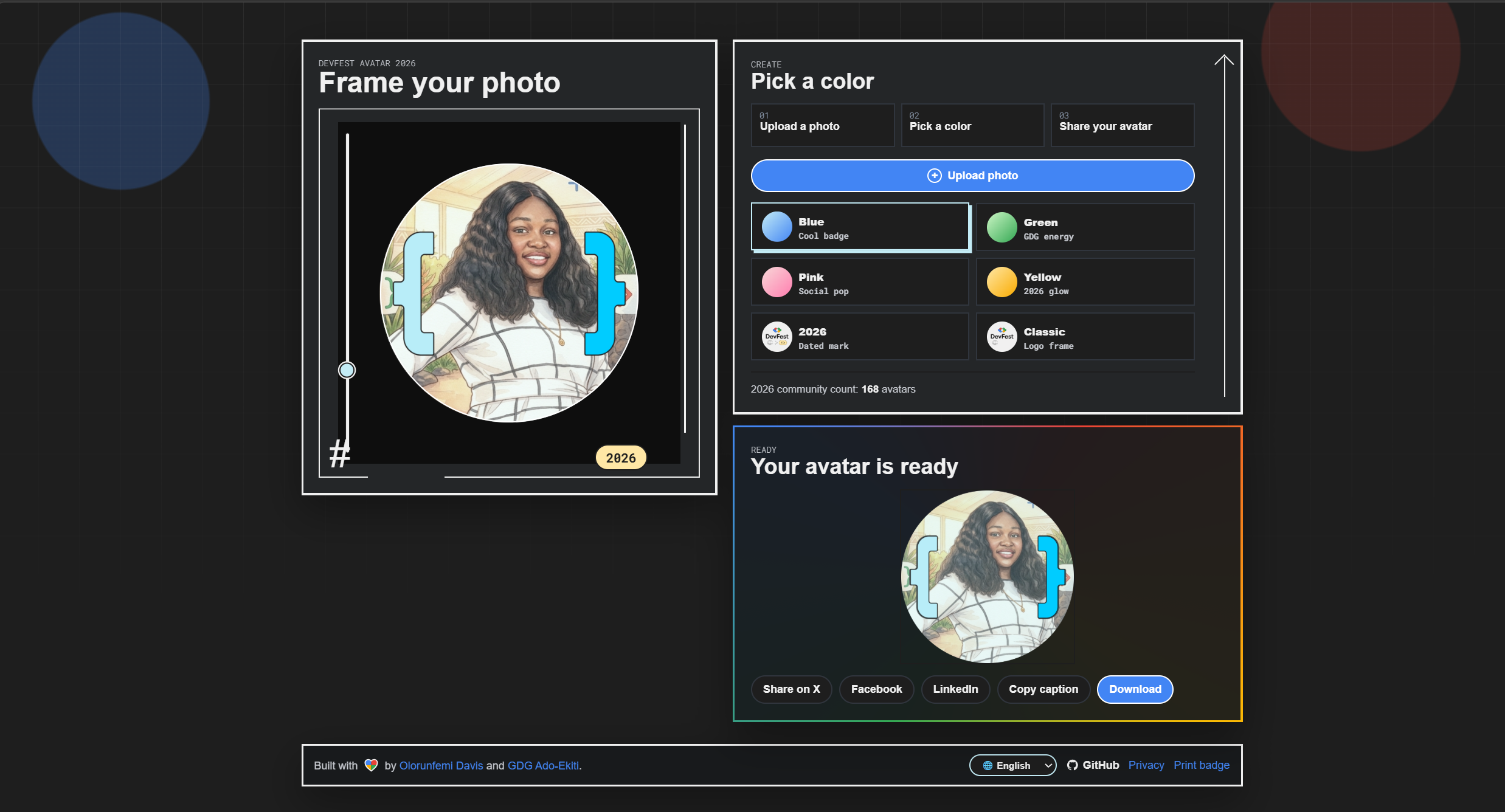
One key architectural improvement in 2026 is that frame choices remain hidden until a user uploads a real photo.
In previous versions, a visitor could land on the app and immediately start clicking frames against the default placeholder image. That created noise in the flow and triggered unhelpful analytics events.
The 2026 version implements a deliberate 3-step progressive disclosure model:
The app does not need a long manual because the progressive state machine guides the user through each phase naturally.
A big part of this rebuild was deciding what not to add.
The visual direction could have easily gone the wrong way: large hero images, oversized marketing copy, heavy background assets, decorative animation, and too much content above the actual tool. That would have made the site feel modern in screenshots but worse in real use.
Instead, the redesign uses lightweight CSS and SVG-style decoration where possible. The app avoids embedding large hero images into the main page. The creator stays close to the top. The page remains a tool first.
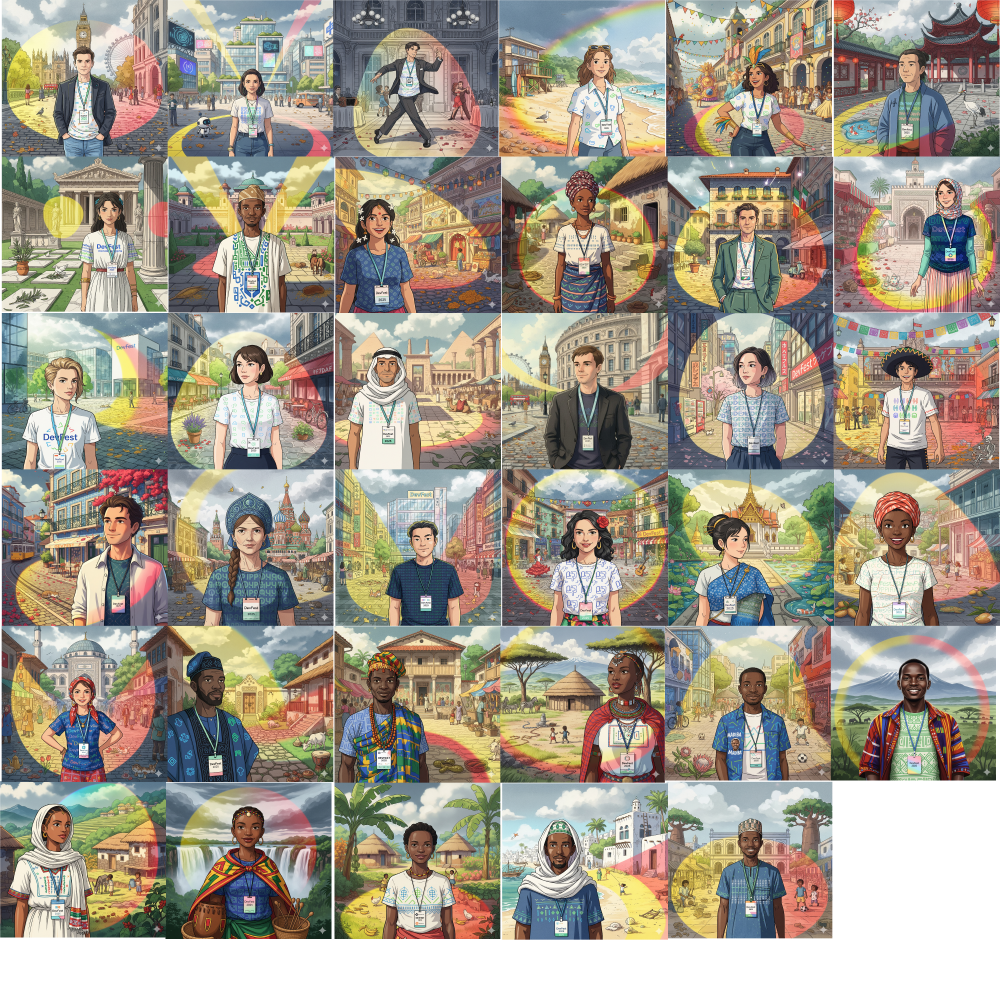
Performance decisions also affected the starter assets. The generated cultural preview images are bundled as 500 by 500 WebP files, using anonymized filenames. That keeps the file size lower while avoiding culture labels in the asset names. The previews are there to make the first experience warm and visually alive, not to create a public index of cultural identities.
One of the strongest ideas from the 2025 version was the use of culturally inspired visual previews.
DevFest is global. The communities are local. The same product can travel across regions, but the visuals should not feel like they only belong to one place. In 2025, I explored this by generating culturally inspired scenes and portraits that could sit inside the avatar experience.
For 2026, that direction continues in two places:
The important distinction is that these visuals are treated as inspiration, not identity assignment. A generated preview can evoke a place, a fabric, a street, a courtyard, a festival, or an architectural mood, but the app is not asking the user to pick a culture or label themselves.
That is a delicate line. The product should celebrate visual variety without turning representation into a gimmick.
The 2026 app keeps Gemini image editing as an optional frame choice.
The user uploads a photo. If they choose the Gemini option, the backend sends the image and a structured prompt to Gemini. The goal is to edit the photo into a DevFest-themed illustrated form, while preserving the important qualities of the original image.
That last part is the big shift.
Earlier AI experiments often worked best when the output was treated as a square avatar from the start. But real user uploads are not always square. A user might upload a portrait, a landscape image, a tight selfie, or a high-resolution event photo. If the AI output changes the shape too aggressively, the user loses control.
For 2026, the prompt now asks Gemini to preserve:
The app then lets the user crop the result afterward. That gives control back to the user.
To balance interactive speed, privacy, and AI expressiveness, DevFest Avatar decouples browser-local edge operations from serverless Google Cloud processing.
+-----------------------------------------------------------------------------------+
|                              USER BROWSER (EDGE)                                  |
|  +------------------------------------+  +-------------------------------------+  |
|  |  Standard Fast Path (100% Local)   |  |     AI Transformation Flow          |  |
|  |  - HTML5 Canvas & Image Cropper    |  |  - requestIdleCallback Health Probe |  |
|  |  - Instant Frame Composition       |  |  - Base64 Payload Streamer          |  |
|  |  - Zero Network Overhead Export    |  |  - sessionStorage 5-min Cache       |  |
|  +------------------+-----------------+  +------------------+------------------+  |
+---------------------|---------------------------------------|---------------------+
                      |                                       |
                      | 1. Monotonic Event                    | 2. POST /gemini-image
                      v                                       v
+-----------------------------------------------------------------------------------+
|                        FIREBASE & GOOGLE CLOUD BACKEND                            |
|  +------------------------------------+  +-------------------------------------+  |
|  | Firebase Realtime Database         |  | Firebase Cloud Functions (v2 HTTPS) |  |
|  | - database.rules.json Validation   |  | - Raw Buffer Dimension Sniffer      |  |
|  | - Monotonic Counter Increments     |  | - Dynamic 1K Resolution Snapping    |  |
|  | - Read-only Historical Archiving   |  | - Multi-Culture Background Pool     |  |
|  +------------------------------------+  +------------------+------------------+  |
+-------------------------------------------------------------|---------------------+
                                                              |
                                                              | 3. Structured Prompt
                                                              v
+-----------------------------------------------------------------------------------+
|                     GOOGLE GENERATIVE AI (GEMINI ENGINE)                          |
|  - Model: gemini-3.1-flash-image                                                  |
|  - Endpoint: https://generativelanguage.googleapis.com/v1beta/interactions        |
|  - Two-Step Persona & Environmental Synthesis Pipeline                            |
+-----------------------------------------------------------------------------------+
For 2026, I also moved the image-editing backend from gemini-2.5-flash-image-preview to gemini-3.1-flash-image.
That model change matters, but I do not want the product story to become only a model-version story. The more important shift is the surrounding pipeline: a cleaner backend request, a configurable model name, clearer prompt boundaries, sanitized background descriptions, preserved image shape, and dynamic output-size selection.
The current Gemini image-generation documentation describes Gemini 3.1 Flash Image as a versatile image model that balances speed with stronger generation and editing capabilities, including higher-resolution output options and better support for reference-image workflows. That fits DevFest Avatar well because the AI path needs to be expressive, but still quick enough for a public community tool.
So the upgrade is doing two jobs at once:
The standard crop-and-frame flow still does not depend on Gemini. That separation is deliberate. AI should add delight, not become a single point of failure for the product.
GET /gemini-status)In high-traffic community events, API quotas can be exhausted rapidly. To ensure users never encounter a broken flow or an unhandled API error, I implemented an automated healthcheck and graceful degradation pipeline:
GET /gemini-status endpoint deployed on Firebase Cloud Functions performs live health probes against Google’s Gemini Interactions API (generativelanguage.googleapis.com/v1beta/interactions) to verify API key authentication and quota availability.window.checkGeminiStatus() inside a requestIdleCallback guard, backed by a 2.5-second AbortController timeout and a 5-minute sessionStorage cache.This architecture delivers enterprise-grade cloud resilience while maintaining zero impact on initial page load metrics.
The Gemini prompt has become more disciplined.
It still asks the model to analyze the uploaded image and transform it into a polished illustrated DevFest-themed portrait. But the prompt now avoids some mistakes that are common in image-generation workflows.
It tells the model not to render color codes or brand-guide text. It asks for DevFest colors to appear visually rather than as written labels. It keeps glyphs and monoline marks in the background so they do not clutter the subject. It instructs the model to use a badge only when it fits the scene, and to avoid random unreadable text on the badge.
The prompt also uses a background pool. Each background is a concise scene description. These backgrounds are generated from cultural and environmental cues, but sanitized so they do not tell Gemini to change the user’s identity, clothing, ethnicity, or body. The user’s uploaded photo remains the source of truth for the person.
This separation matters:
Here is the actual two-step prompt construction engineered in functions/gemini/prompt.js:
And here is a sample from the multi-cultural background pool (background.json) injected at runtime:
"Setting: The scene is set in a sunlit Yoruba courtyard with carved wooden doors, patterned textiles, and tropical plants. The environment is rendered as a lush, hand-painted watercolor background, filled with rich but restrained detail and charm. Architecture: Use Yoruba courtyard architecture, carved wood, warm plaster, adire textile geometry, lush plants, and a calm community tech gathering mood. Ground & Details: Add soft natural light, textured paths or flooring, plants or local materials where appropriate, and gentle depth without visual clutter."
Another 2026 backend change is dynamic Gemini output sizing.
Instead of locking every generated image to 512 pixels, the function now reads the uploaded image dimensions where possible and chooses the closest supported Gemini image-size preset. The supported presets are capped at 1K for this product.
To keep Cloud Functions fast and cold starts minimal, I implemented a zero-dependency byte reader in functions/gemini/image-size.js that extracts image dimensions directly from raw buffer headers without pulling in heavy binary dependencies:
That cap is intentional.
A 4K output may look attractive in theory, but this app is not producing posters. It is producing profile avatars for web and social use. Larger AI outputs can increase response time, bandwidth, and quota pressure. The user still needs to crop the final result inside the browser.
For this product, 1K is a practical ceiling. It gives better quality than the smallest output when the input deserves it, without turning a quick community tool into a heavy rendering pipeline.
The cropper also needed attention.
A real-world issue appeared when switching between very different image sizes. If the app loaded a default preview image first, then the user uploaded a small image, the cropper could start too zoomed in. If the user then uploaded a large image, the new image could inherit awkward sizing or positioning from the previous one.
The fix was to reset the cropper properly when a new image is loaded. Each image should start from a good fit. The preview should center the new image, and the zoom slider should be visible and usable on desktop and mobile.
This is the kind of detail that rarely appears in a launch announcement, but it is the difference between a tool that feels polished and one that feels almost right.
Building for a global developer community means security, analytics integrity, and internationalization must be designed into the cloud architecture from day one.
To track community adoption without opening vulnerability vectors, I authored hardened Firebase Realtime Database rules (database.rules.json):
DevFest is celebrated in over 100 countries. For 2026, the application features native localization across 12 strategic languages:
en), Spanish (es), French (fr), Portuguese (pt), Yoruba (yo), German (de), Turkish (tr), Arabic (ar with full RTL layout support), Hindi (hi), Japanese (ja), Korean (ko), and Swahili (sw).?lang=yo), and localStorage persistence with zero runtime bundle overhead.The app has to work smoothly across every screen shape:
The 2026 redesign replaces static viewports with fluid CSS Grid and responsive constraints.
In version 2026.1.5, the UI introduces an interactive Google-colored rotating conic-gradient neon border that dynamically highlights the active panel based on the user’s progress:
@media (prefers-reduced-motion: reduce) to ensure comfortable experiences for users with motion sensitivity.DevFest Avatar is open source, but more importantly, it is a living community artifact.
The app footer proudly credits it as built by Olorunfemi Davis and GDG Ado-Ekiti. The project has evolved not just through private coding sessions, but through open collaboration, community testing, and organizer feedback across several DevFest seasons.
Key community contributors include:
2026.1.5 UI/UX enhancements—including the progressive conic-gradient neon border animations, the optimized 2-column mobile share grid, and resolving CSS display specificity interactions with HTML [hidden] attributes.This open collaboration model proves the value of community-driven engineering: a developer can submit an enhancement, test it with local attendees, and see it benefit thousands of developers worldwide.
As the global DevFest 2026 season approaches, the platform will continue to evolve with real-world community feedback:
The platform is designed to be lean, fast, and delightful—putting community expression front and center.
DevFest Avatar is a small product, but small products can carry a surprising amount of craft.
There is product thinking in deciding that the first screen should be the tool. There is engineering thinking in capping AI output size at 1K. There is design thinking in using brand elements without burying the user under decoration. There is community thinking in making the app easy enough for anyone to use and share.
That is the 2026 direction: a faster, simpler, more expressive DevFest Avatar creator that still respects the original promise.
Upload a photo. Pick a frame. Download or share.
Everything else should make that feel better.
Exploring AI-powered prompt engineering and visual asset generation using Gemini and Gemini Flash 2.5 Image for the DevFest 2025 Avatar creator.
A recap of my session at DevFest Bletchley Park in Milton Keynes, exploring a groundbreaking approach to bringing Gemini Nano directly to the browser, enabling a new class of offline-first, off-device web applications and Chrome Extensions.
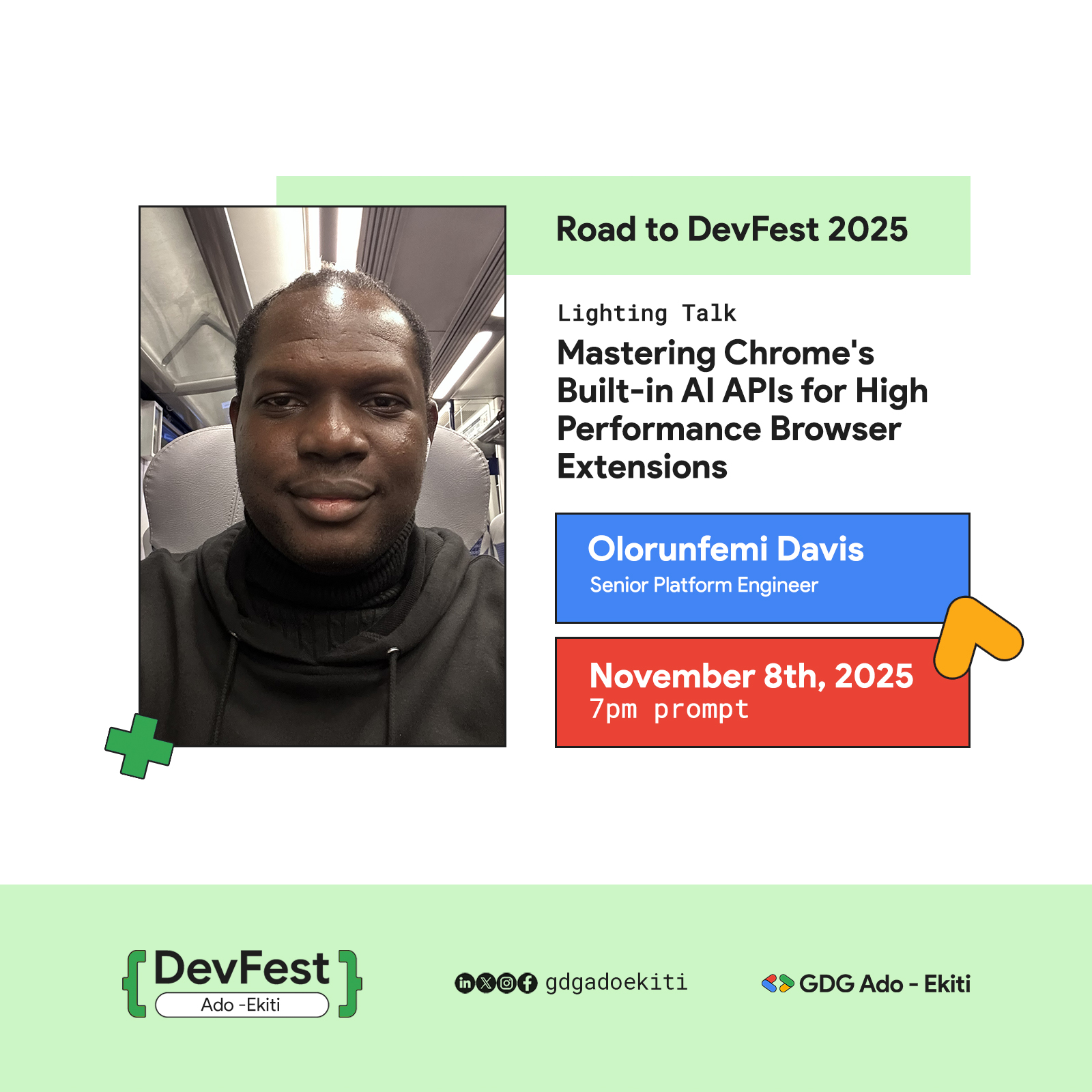
A recap of my session at GDG Ado-Ekiti's 'Road to DevFest 2025', where I presented on using Gemini Nano for high-performance, offline-first browser extensions.
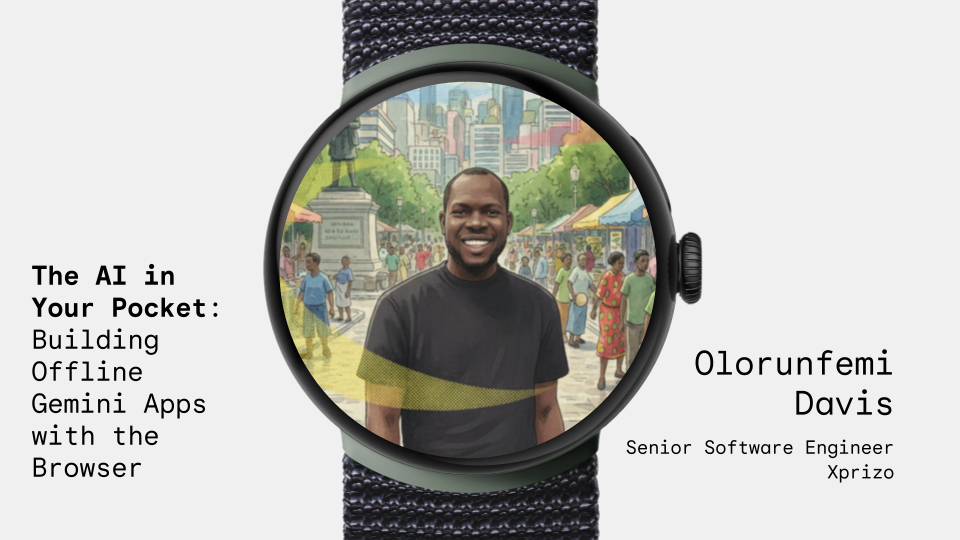
Recap of a GDG Cloud North West session in Manchester, exploring offline Gemini Nano apps in the browser, AI APIs, and practical developer insights.